Meet Plantica
Product introduction
Quality
The video could not load. Check your connection and retry, or open the video directly.
From machine layouts to engineering and operations, a shared view of the facility.

Use Plantica to lay out machinery, design pipe routes and review equipment information in a 3D facility model.
The video could not load. Check your connection and retry, or open the video directly.
 Aluminium processing



Prepare proposal layouts with Sales, develop facility projects with Engineering and view equipment data with Operations.
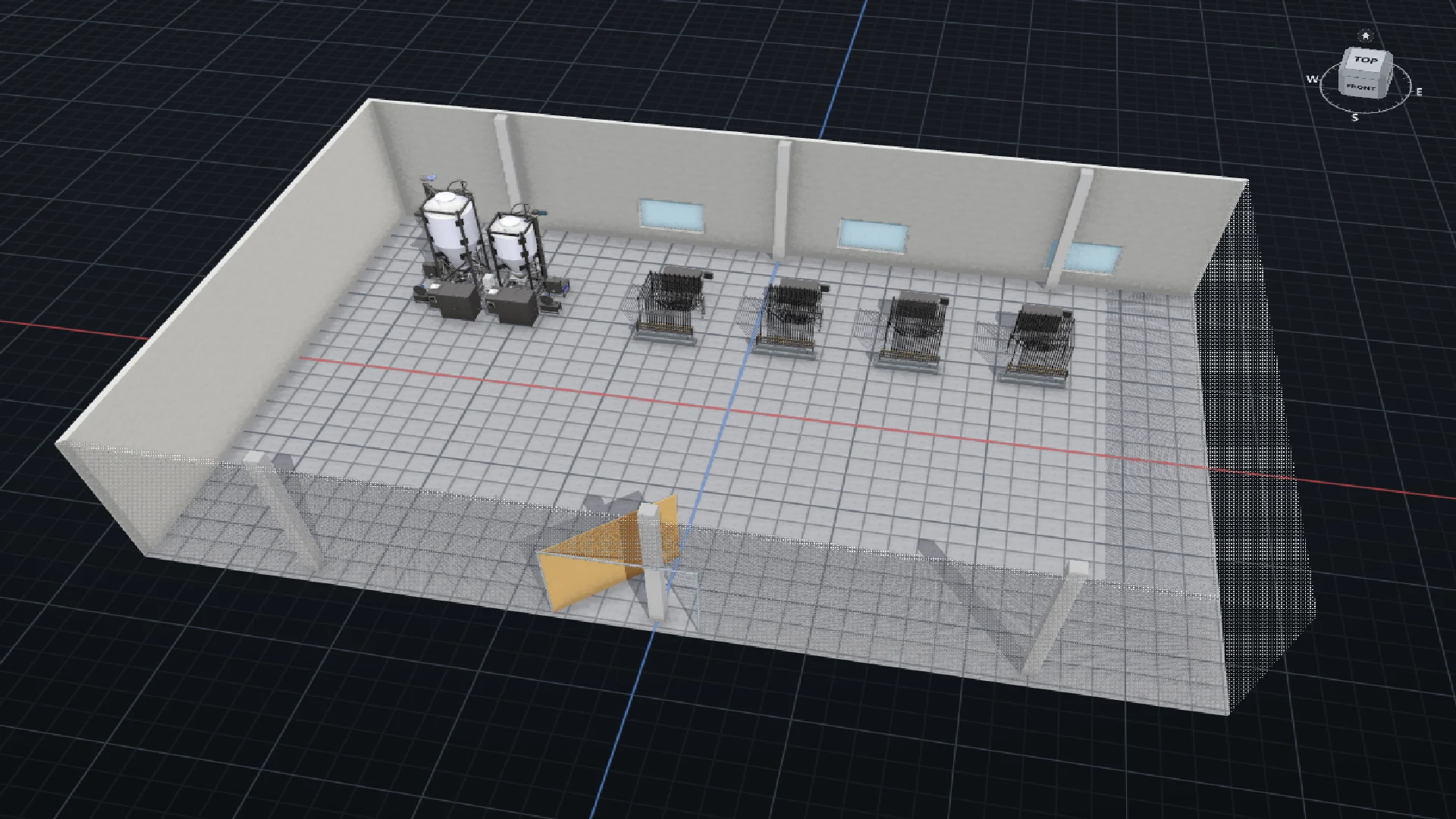
Place machines on your customer’s floor plan. Compare layouts and add a dimensioned drawing to your proposal.
Layout recording and drawing PDF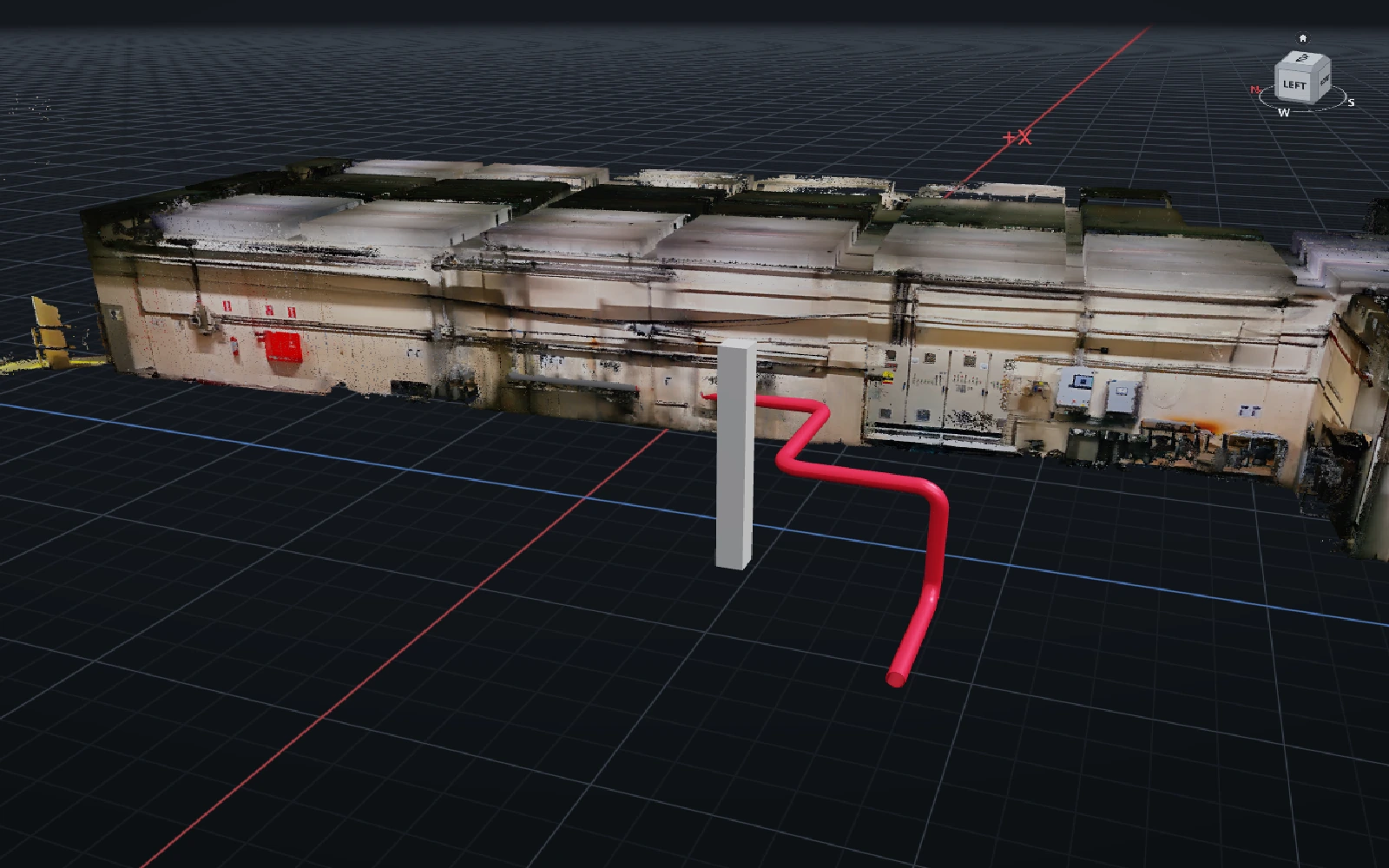
Design new pipe routes alongside a scan of the existing facility. Check for clashes and export drawings and material lists.
Scan, piping and technical outputs
Select equipment in the model to see its readings. Plan data connections around your facility’s needs.
Explore equipment informationWatch Plantica and Atlas in use.
The video could not load. Check your connection and retry, or open the video directly.
From machine layouts to engineering and operations, a shared view of the facility.
The video could not load. Check your connection and retry, or open the video directly.
Describe what you need. Review the proposal with Atlas, with decisions and approval in your hands.
Explore the facility layout, equipment details and sample data screens.
Explore the ELİAR facility story
Select a part in the RPD model’s feature tree. Inspect its location, identity and dimensions.

Set the RPD equipment’s data source, unit and thresholds.

Read hopper level and batch mass in the panel linked to the RPD equipment. Demo data.
Explore examples of machine sales, facility modifications and maintenance preparation.
Tell us about your project and what you need. We can review your own model together in Plantica.
Plantica is a 3D software platform developed by EXAR for machinery and facilities. Use Sales to prepare proposal layouts, Engineering to work on facility and piping projects, and Operations to view equipment information in the model.
We review your existing CAD, scan and one working area together. Source format, coordinates and data quality are assessed against your project.
No. Operations shows equipment and its information in the same model. Connections to your existing systems and data update frequency are agreed for each project.
No. Start with the product that suits your sales, engineering or operations needs.
Share a machine model, floor plan or facility scan if you have one. If you do not have files ready, we can start by discussing what you need.